
Having an account on Sripatro is essential for tracking the Nepali calendar, daily Panchang, Tithis, Nakshatras, and festivals, as well as keeping your personal Kundali charts and calendar events securely synced to the cloud.
Prioritizing user convenience and modern digital security, Sripatro implements a passwordless authentication system. This completely eliminates the hassle of memorizing long or complex passwords.
Understanding the Sign-In Interface
Clicking the Sign In / Account button on the Sripatro homepage opens a clean modal dialog. Here is an overview of the key controls before getting started:
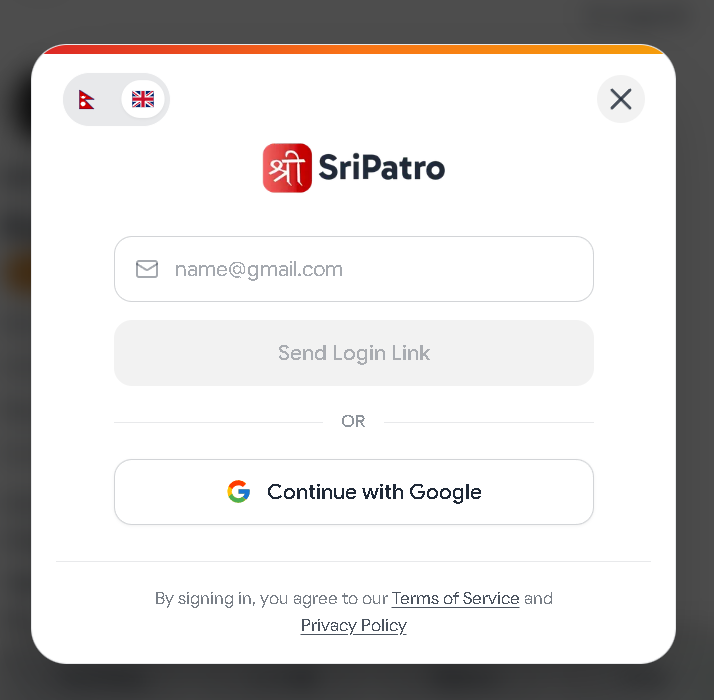
- Language Switcher (Top Left): Easily toggle between Nepali (🇳🇵) and English (🇬🇧) interfaces based on your preference.
- Close Window Option (Top Right): Tap the ✕ button if you wish to exit the modal and return to the calendar.
- Two Authentication Choices: Choose between signing in with your Google Account or your personal email address.
Method 1: 1-Click Sign-In via Google (Fast & Recommended)
If you use an Android device, Google Chrome, or an active Gmail account, this is the quickest and most seamless method.
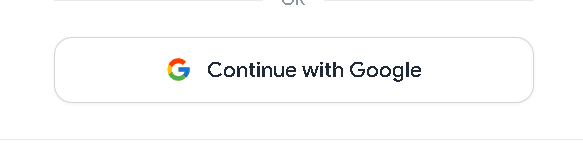
1. Select 'Continue with Google'
In the sign-in modal, click the Continue with Google button featuring the official Google logo.
2. Authenticate Your Account
- If already signed in: Simply tap on your name or Google email address shown on the screen.
- On a new device: Enter your Google email and password to proceed.
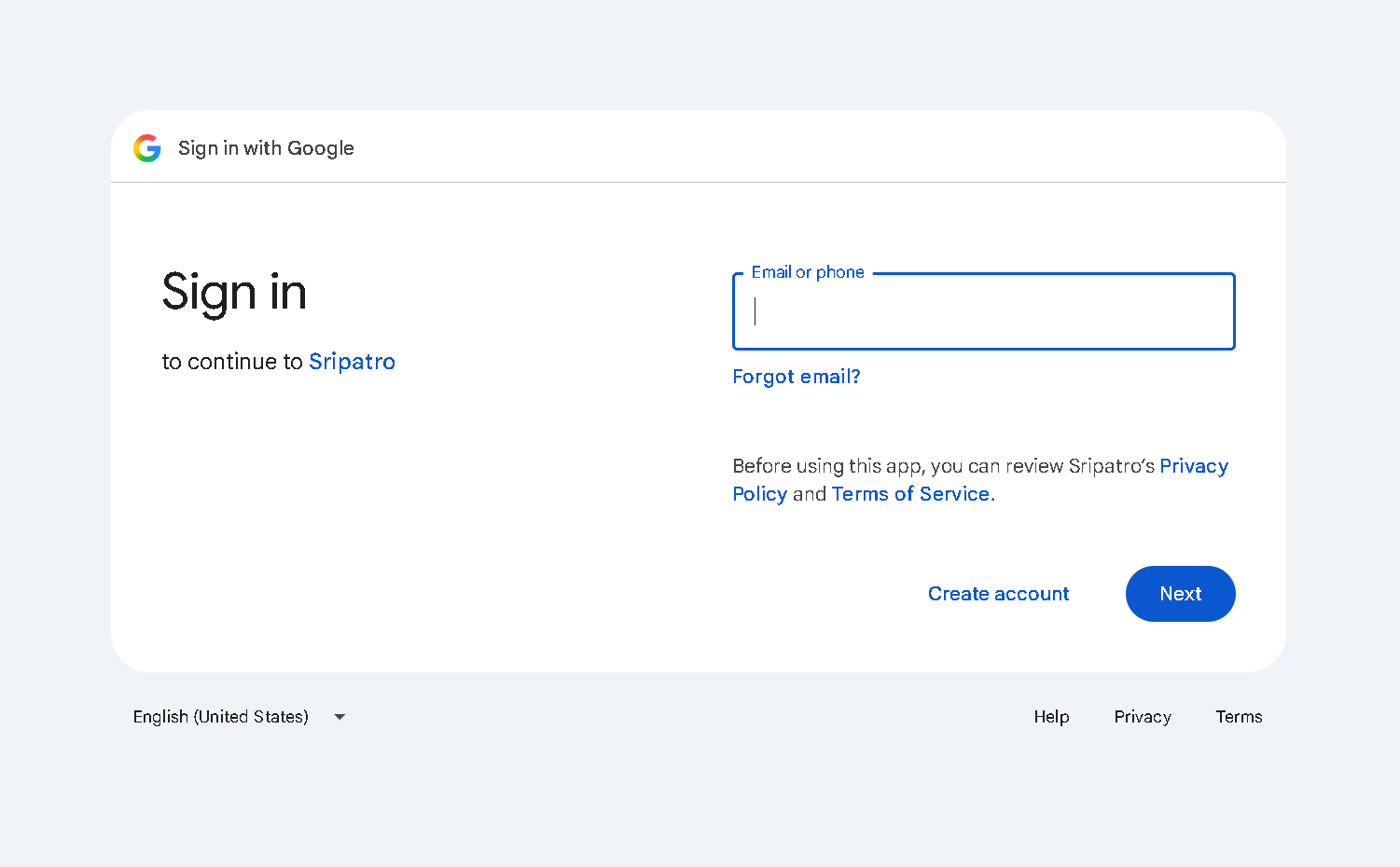
Once verified, the system will immediately redirect you to your personalized Sripatro dashboard.
Method 2: Sign-In via Email Magic Link (Passwordless Method)
If you prefer Yahoo, Outlook, corporate email, or want to connect your Gmail without typing a password, the magic link method is ideal.
1. Enter Your Email Address
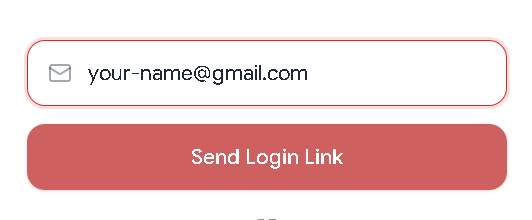
Type your active email address (e.g., name@example.com) accurately into the email input box. As soon as a valid email is recognized, the Send Login Link button turns red and becomes active; click it.
2. View the Confirmation Prompt
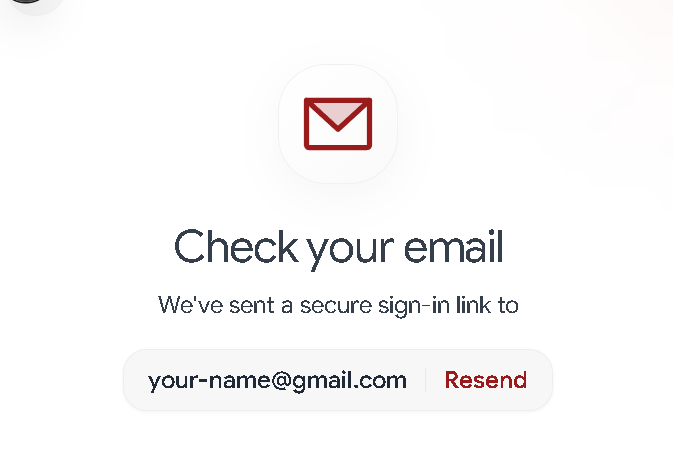
A "Check your email" confirmation screen will appear, indicating that a secure authentication link has been dispatched to your inbox.
3. Check Inbox & Complete Verification
- Open your email client or webmail.
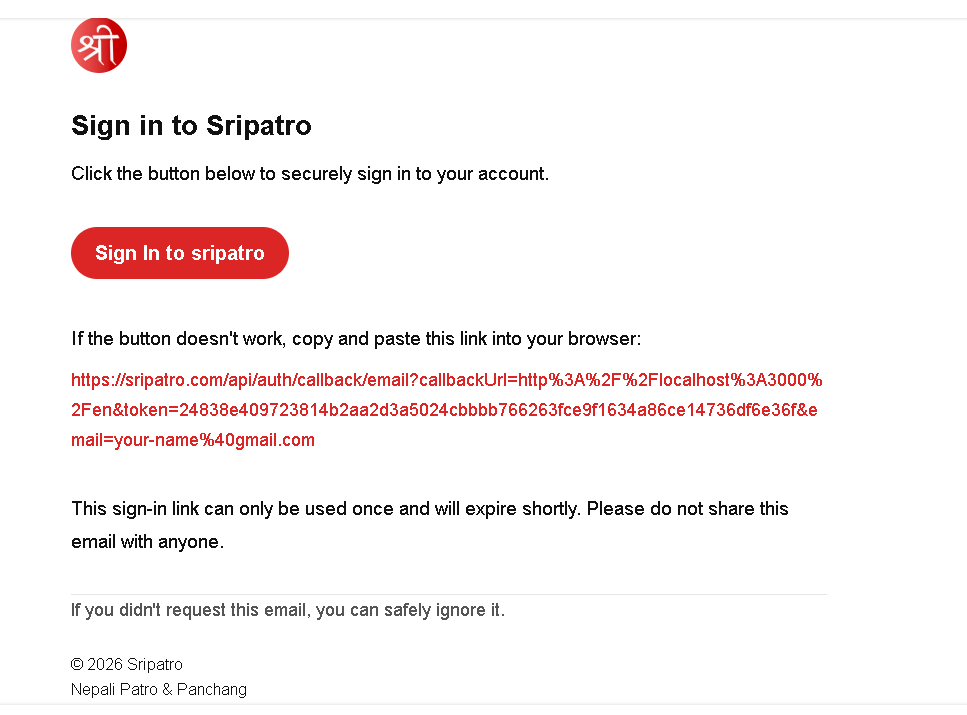
- Open the email from Sripatro with the subject line: "Sign in to Sripatro".

- Click the red Sign In to sripatro button inside the email.
Profile and Personal Data Management
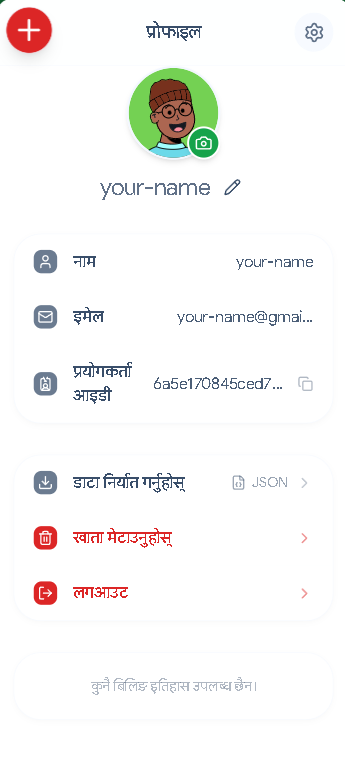
After successfully signing in, a profile avatar appears in the top navigation bar. Clicking it opens your profile management dashboard:
| Feature | Description & Usage |
|---|---|
| Profile Picture (Avatar) | Tap the camera icon on your avatar to customize or change your profile picture. |
| Name Modification | Click the pencil icon next to your name to edit and update your display name. |
| Email & User ID | View your associated email address and copy your unique User ID for support or reference. |
| Data Export (JSON Export) | Download a comprehensive JSON backup of all your saved personal events, Kundali charts, and preferences. |
| Account Deletion (Delete Account) | Permanently delete your account and remove all personal data if you no longer wish to use the service. |
Safe Logout on Public or Shared Devices
When accessing Sripatro from a cyber cafe, workplace computer, or shared device, logging out ensures your personal data remains private:
- Go to your Profile section.
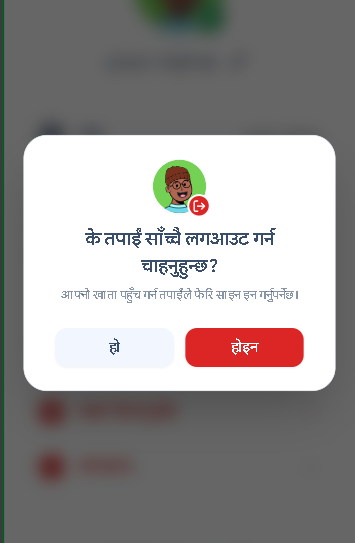
- Scroll down and click the red Logout button.
- In the confirmation dialog that appears, select "हो" (Yes) to log out safely.
Troubleshooting & Frequently Asked Questions (FAQ)
Do I really not need to create a password?
No, you don't. Following modern web security standards, Sripatro adopts a passwordless architecture. This eliminates the vulnerability of weak passwords, forgotten credentials, or database credential leaks.
What should I do if the login link does not arrive?
- Wait 1 to 2 minutes; email dispatch servers occasionally experience slight delivery delays.
- Check your Spam, Junk, or Promotions tabs.
- Ensure there are no typos in the email address you entered.
- If it still hasn't arrived, click the Resend button on the Sripatro screen.
What if clicking the link displays an "Expired" or "Invalid" message?
Magic links are time-sensitive for your security. Simply return to the Sripatro sign-in window, re-enter your email address, and click Send Login Link to receive a fresh link.
Can I use the same account across both mobile and desktop computers?
Yes, absolutely. You can sign in on any device using your registered email address or Google account. All your saved Kundali charts, Panchang notes, and calendar events sync seamlessly in real time.
Team Sripatro
The Sripatro editorial team publishes research-backed guides on Vedic astrology, Panchang calculations, cultural events, and modern productivity tools.